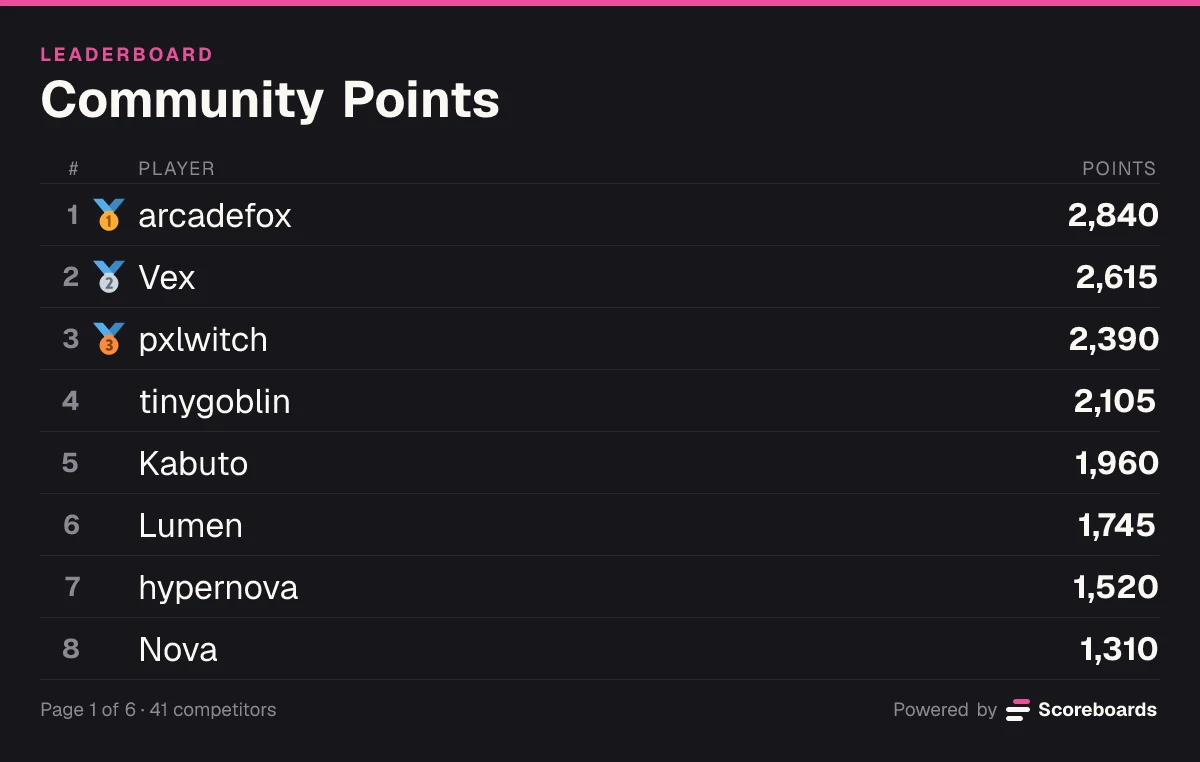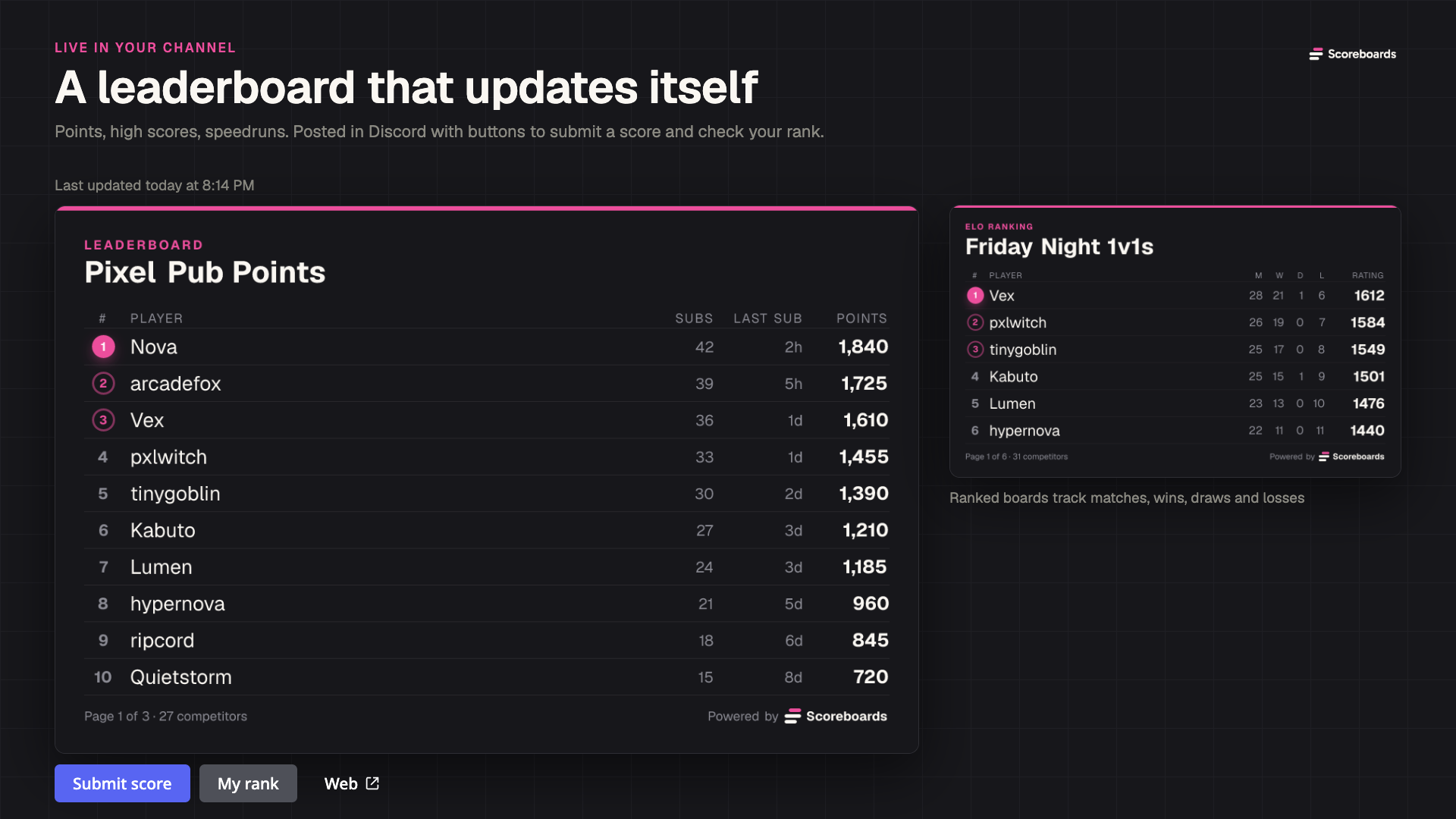

A leaderboard is more fun when the top spots mean something in the server too. Tier roles are how Scoreboards does that: you link a Discord role to a part of the leaderboard, and the bot hands it to whoever is there. When someone climbs in, they get the role. When someone drops out, it comes off.
You set it up once on the dashboard, and from then on nobody hands out roles by hand.
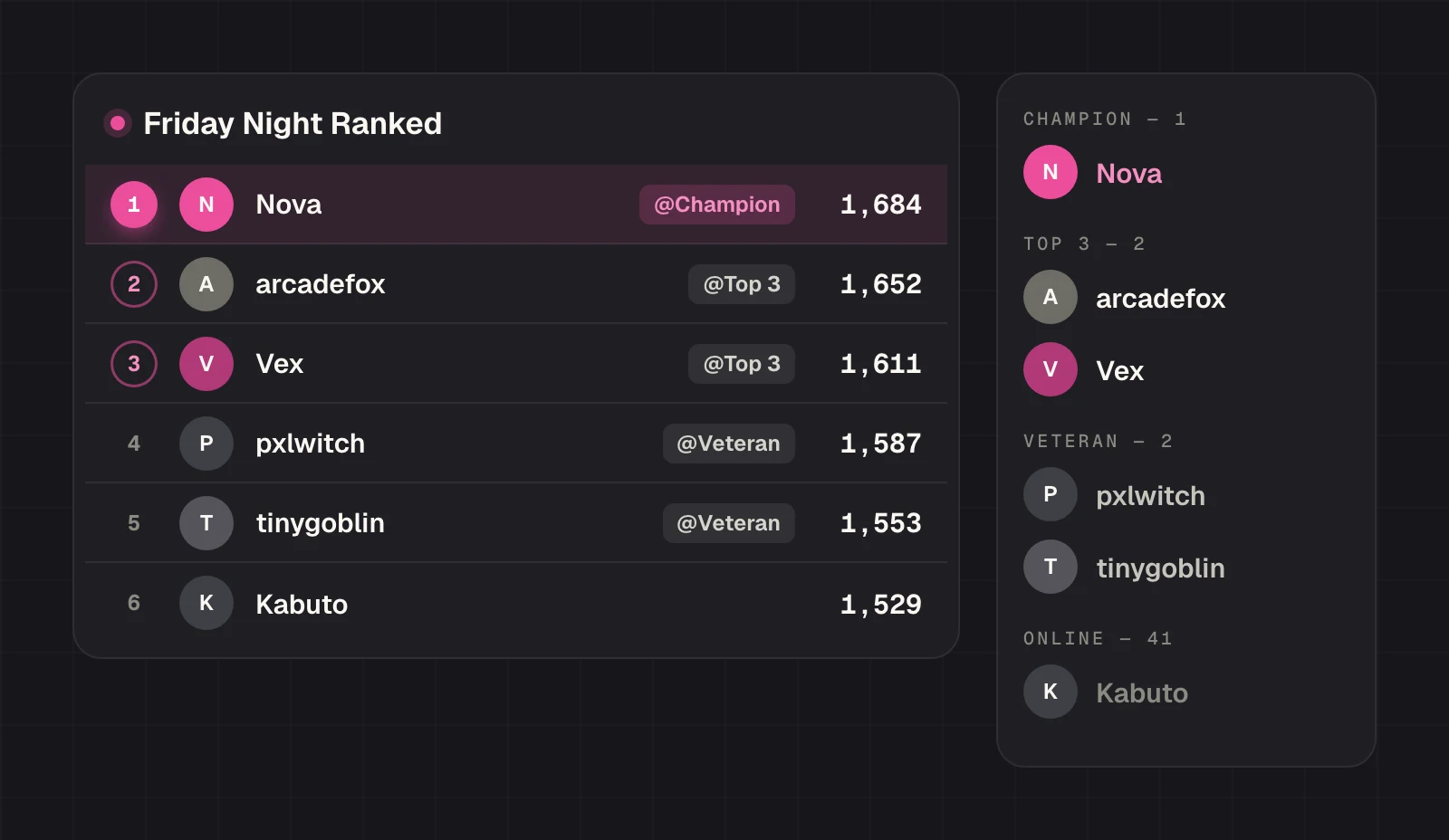
What a tier role can follow
Each tier has its own rule for who gets the role. Pick one of four:
- Rank: a fixed range of places, such as ranks 1–3 for a Champion role or 4–10 for Veteran.
- Percentile: a share of the board, such as the top 10%. It grows with the server, so it stays just as hard to reach on a board of 30 players as on one of 3,000.
- Score: everyone past a line, such as 2,000 points or a 1,500 rating. Nobody has to drop for someone else to get in.
- Level: on a Levels leaderboard, everyone at a level or above, such as a role from level 10.
One leaderboard can mix them. A common setup is a rank tier for #1, a percentile tier for the top 10% and a score tier for everyone who has crossed a milestone.
The role can be any role your server already has. Scoreboards doesn't need its own roles for this.
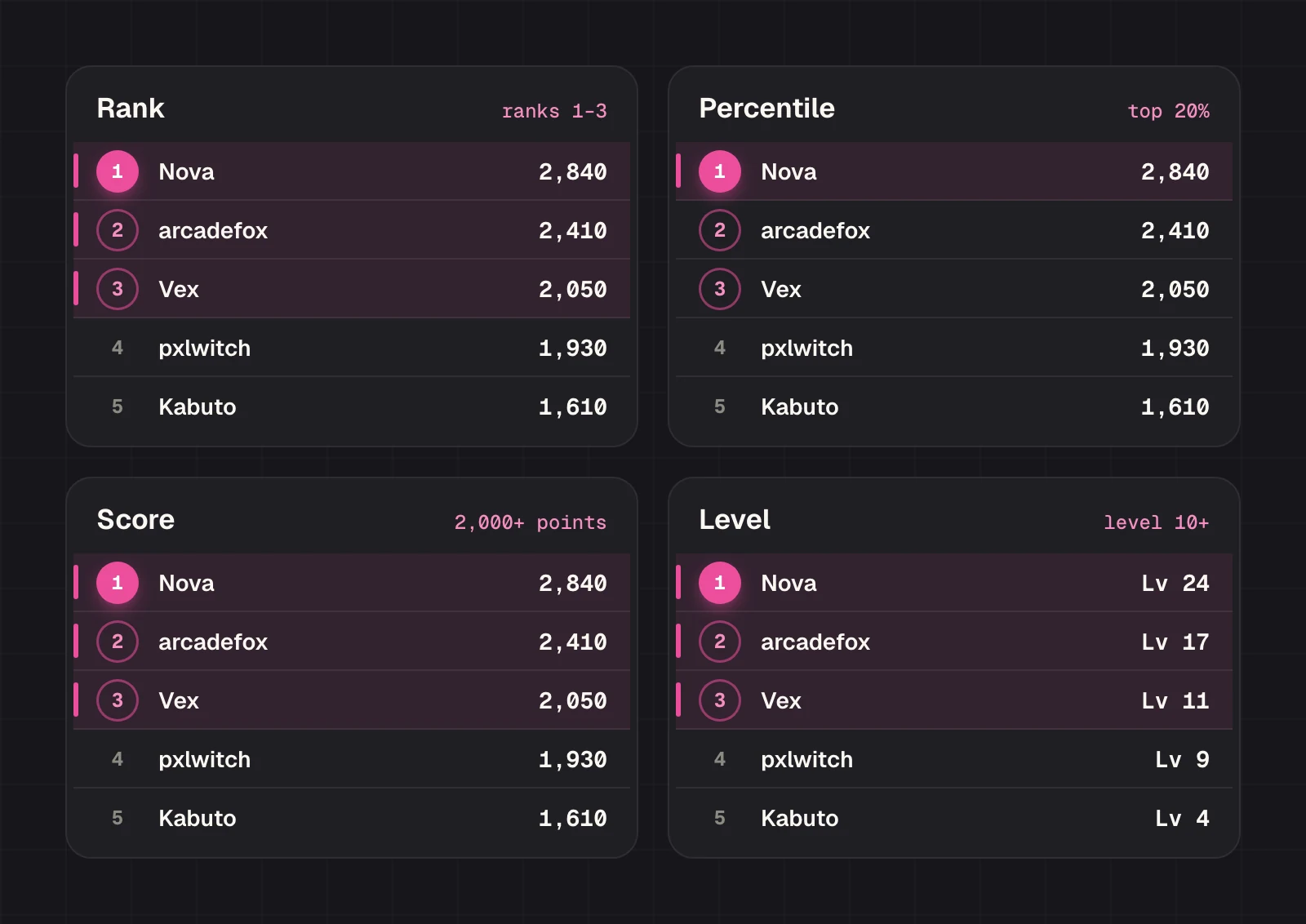
Set it up in four steps
- Open the leaderboard's settings from the dashboard and go to its Discord tab, then Tier Roles.
- Add a tier and pick the Discord role it gives.
- Choose how the tier is earned (rank, percentile, score or level) and set its range.
- Save.
There is one thing Discord asks of you: the Scoreboards role has to sit above every role it hands out, in Server Settings → Roles. Discord doesn't let a bot give or take a role at or above its own. If the bot runs into that, it says so with a message in the leaderboard's channel rather than failing quietly.
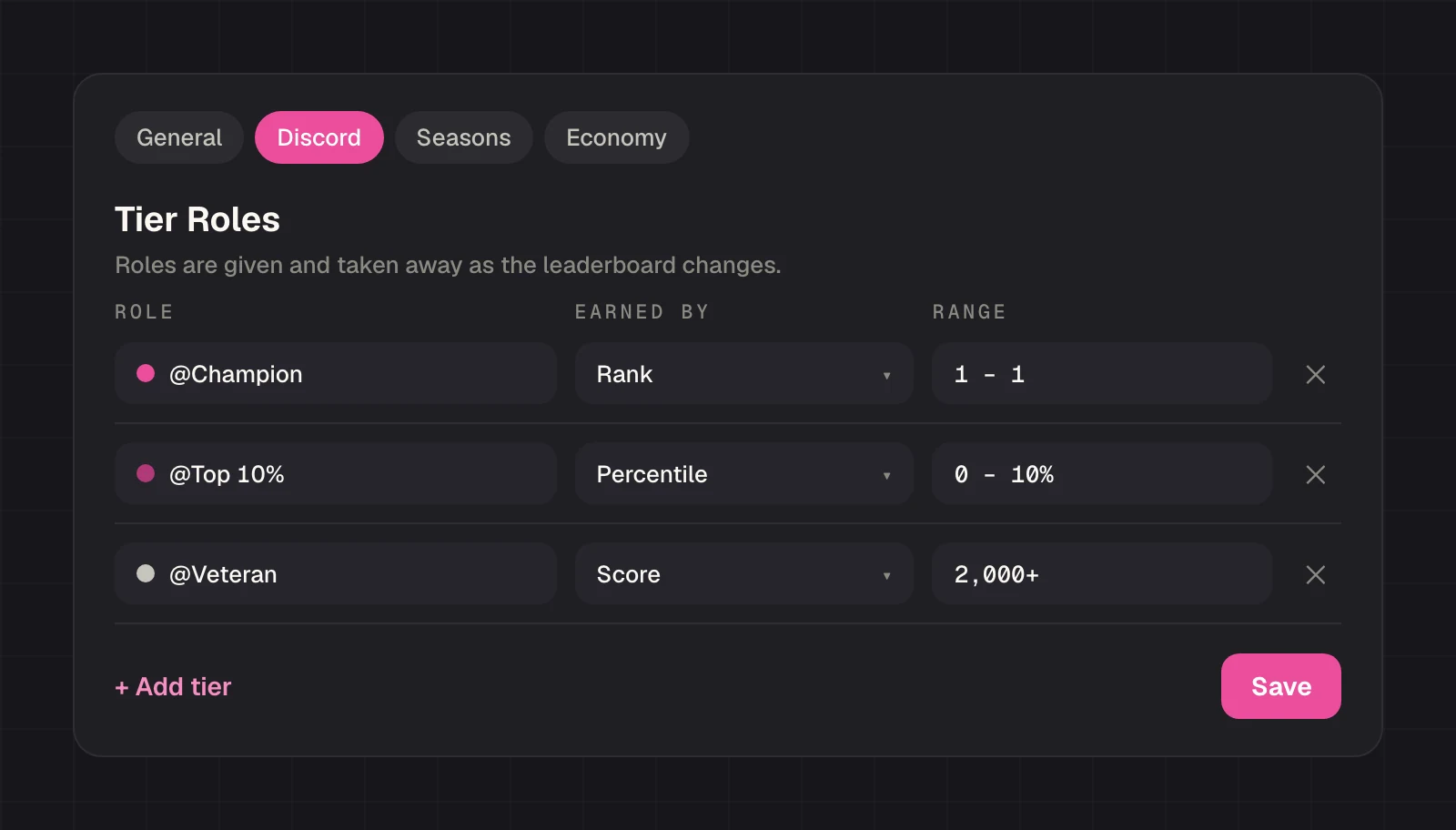
How the roles move
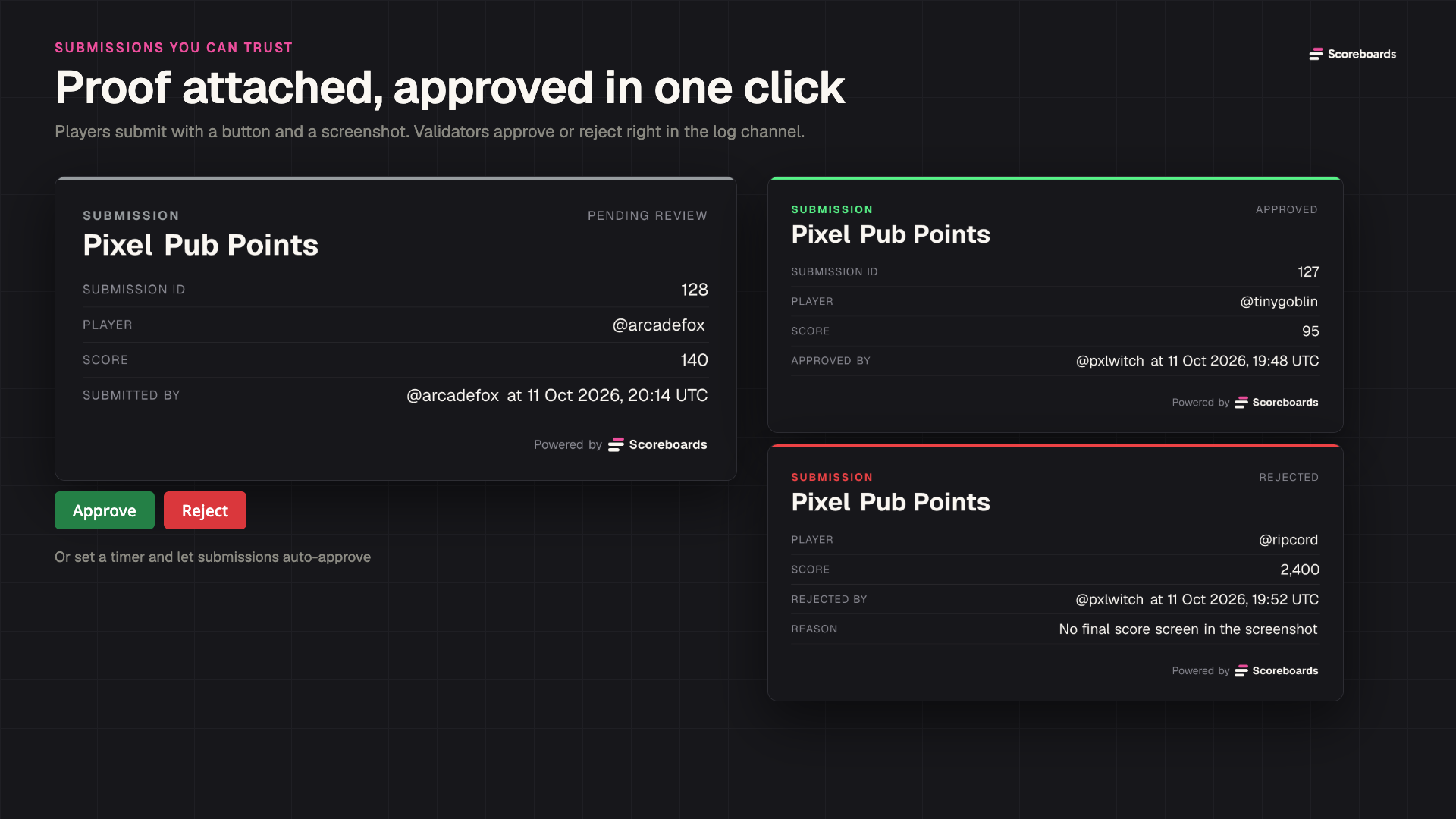
Roles change as the leaderboard changes. When a result is approved and someone climbs into the top 3, they get the role and the player they pushed out loses it.
The bot changes roles a few members at a time, at the pace Discord allows. On a big server a change can take a few minutes to reach everyone.
Rank roles on ELO leaderboards
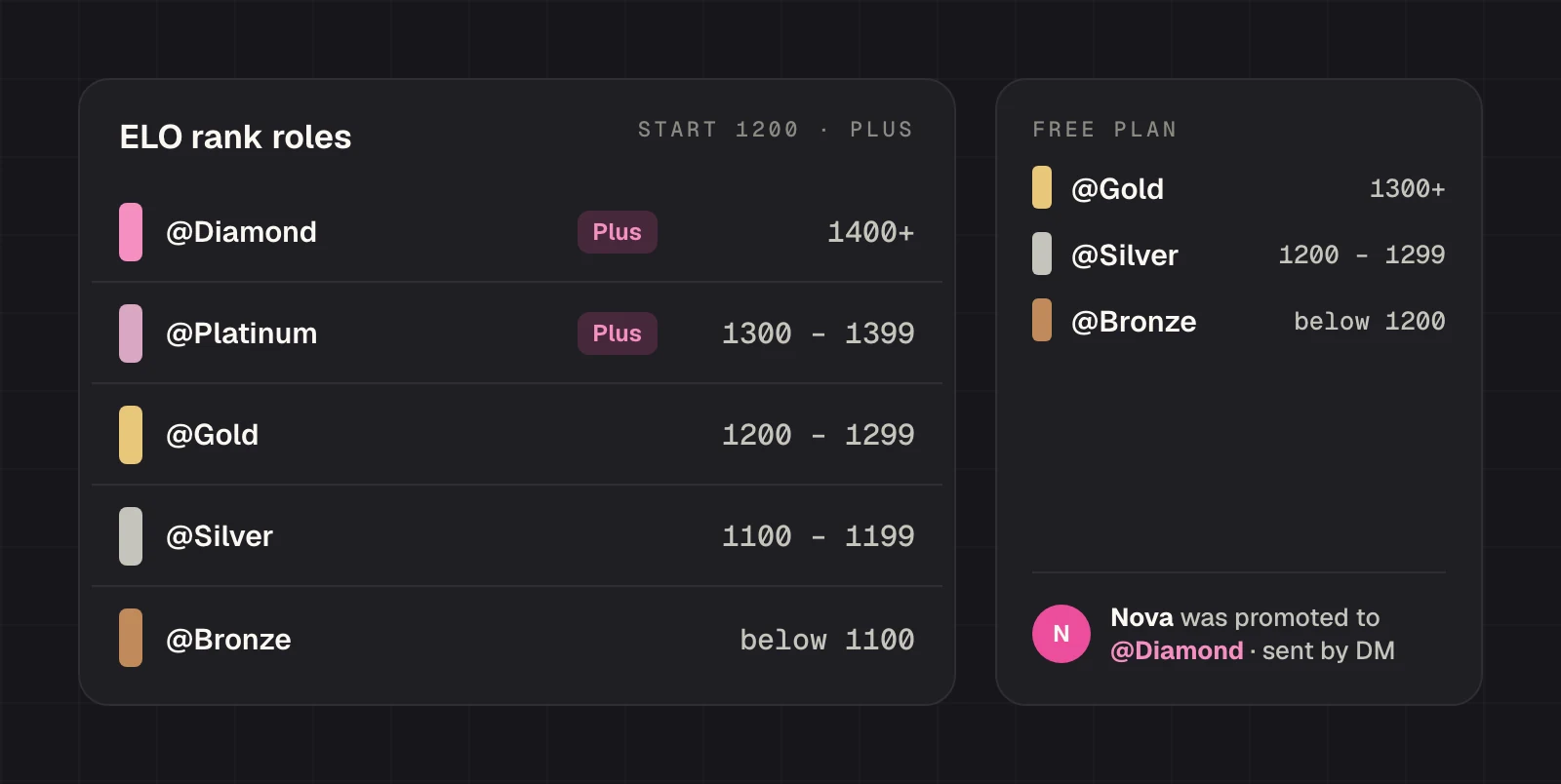
An ELO leaderboard can make its own rank roles. At its first approved match, if the bot has the Manage Roles permission and the server has room for them among its tier roles, it creates rank roles and hands them out by rating:
- On the Free plan: Bronze, Silver and Gold. With the default starting rating of 1200, that's Bronze below 1200, Silver from 1200 to 1299 and Gold from 1300.
- On Plus and up: Bronze, Silver, Gold, Platinum and Diamond. With the default start, Bronze is below 1100, Silver 1100–1199, Gold 1200–1299, Platinum 1300–1399 and Diamond from 1400.
The bands move with the leaderboard's starting rating, each promotion is sent to the player by DM, and you can edit the roles like any other tier roles. The ELO guide covers ratings in more depth.
Level roles
On a Levels leaderboard, tier roles in level mode work as level rewards: one role from level 5, another from level 10, and so on. With Keep lower tier roles on, members keep every role they've reached; turn it off and they keep only the highest. The leveling guide shows the full setup, including a starter pack that makes the roles for you.
Seasons keep their roles
When a season ends, the leaderboard freezes into its final standings. Starting the next season makes a new leaderboard with the same settings, rank and tier roles included, so you don't set them up again.
What's included on each plan
From November 30, 2026, the Free plan includes 3 tier roles per server, on any leaderboard type. Level roles and the automatic ELO rank roles count among the 3. Plus and up have no limit. See pricing for the plans.
If a server ends up over the limit, for example after a downgrade, the 3 oldest tier roles keep working and the rest pause. Roles already handed out stay, and nothing is deleted.
Ready to try it? Add Scoreboards to your server, make a leaderboard, and give its top 3 a role of their own.