
Everything below about Discord's feature comes from Discord's own help article. We make Scoreboards, a Discord leaderboard bot, so read the second half with that in mind.
If a leaderboard suddenly showed up in your server and you did not add it, this is probably it. Here is what it does, how to switch it off, and what to use if you want a leaderboard that ranks something other than play time.
What is the Discord Gaming Leaderboard?
Discord's help article on Server Hub describes Server Hub as a space in a server, shown as a tab at the top of the channel list and made of widgets. Two of those widgets are the Gaming Leaderboard and Popular Games.
The Gaming Leaderboard is a weekly competition based on what members play. Each week uses one of three challenges:
- Most Game Time
- Most Game Days
- Most Unique Games
Top players get badges. The winner's badge shows next to their username in that server until the next competition ends.
Only members who share their activity appear on it. Members set to Invisible are left out, and a widget needs at least 3 members sharing their activity before it shows anything.
How to hide yourself from the Gaming Leaderboard
You opt out as a member, in your own settings:
- Open User Settings.
- Go to Activity Privacy.
- Turn off Share my activity.
One thing to know before you do it: Discord's help article says this setting covers your activity from games and connected apps across Discord, not only Server Hub.
Members set to Invisible are left out too, so that status also keeps you off the board.
How to turn off the Gaming Leaderboard for your server
Discord's help article gives two ways to hide Server Hub:
- Hover over Server Hub at the top of the channel list and select the X.
- Or turn off Show Server Hub tab in channel list under Server Settings.
You can turn it back on from Server Settings.
A Leaderboard Winner badge is removed if the member leaves the server or turns off activity sharing, or if an admin removes the Gaming Leaderboard widget or turns off Server Hub. So if you turn it off, current winners lose their badge in that server.
What the Gaming Leaderboard does not rank
The Gaming Leaderboard is run by Discord, and it ranks game activity: game time, game days and the number of different games. That is what it measures.
It does not rank what your community does inside a game or around it:
- scores, points and high scores
- wins and match results
- fastest times, laps and speedruns
- points for server events, quizzes or tournaments
- entries in an art or photo contest
Most competitive servers want one of those. A Mario Kart night is decided by race results, not by who played the longest. For that, you use a leaderboard bot.
How to make your own Discord leaderboard
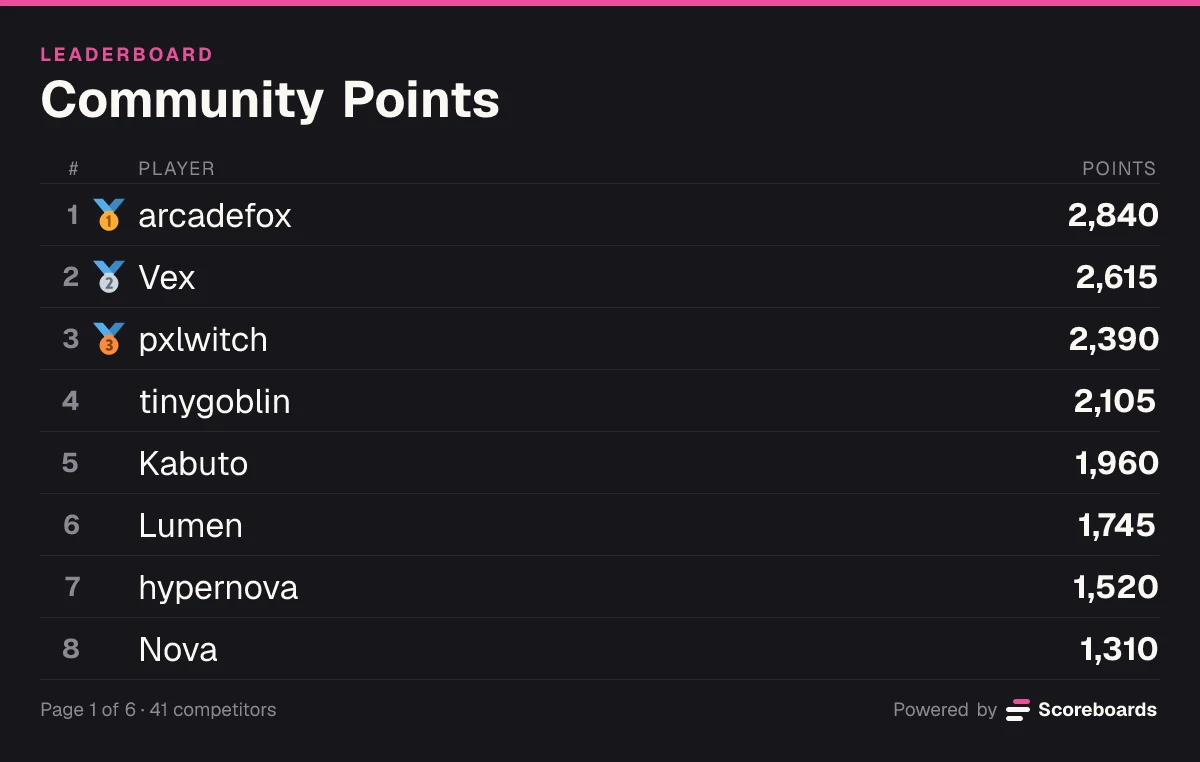
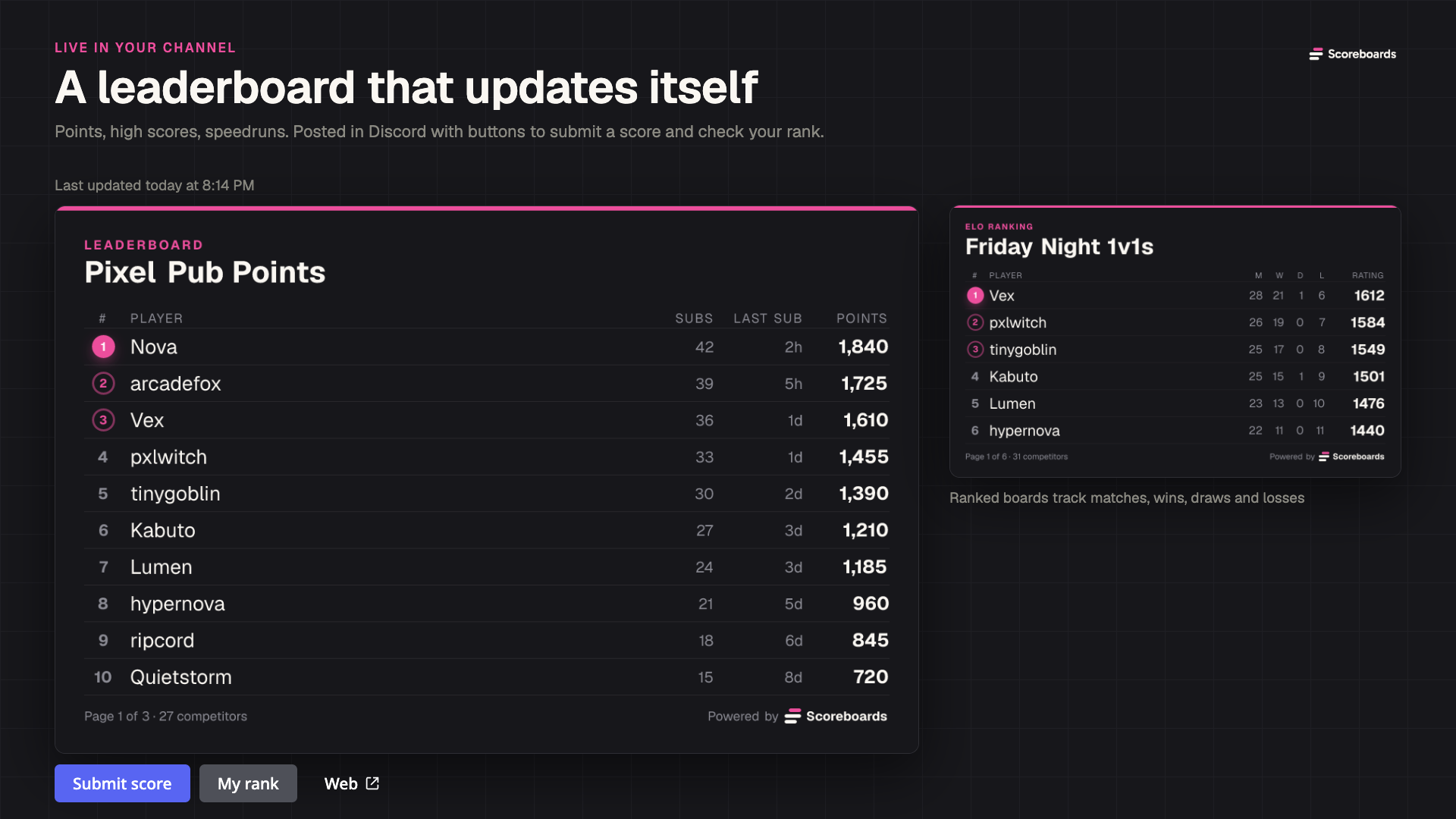
A leaderboard bot posts a leaderboard in a channel of your choice and ranks whatever you decide to count. Scoreboards is one of them. You run /leaderboard create, name the board and pick a type:
- Classic: points that add up over time, for events and seasons. See the Classic leaderboard.
- Highscore: only each player's best score counts.
- Time: the fastest time wins, down to the millisecond.
- ELO: ratings that move based on who beat whom, for 1v1 and team matches. See the ELO leaderboard.
- League: a season table with points for a win, a draw and a loss.
- Image Rating: members rate art or photo contest entries from 1 to 10.
- Levels (beta): XP from chatting and from time in voice, with weekly and monthly standings. See the Discord leveling bot.
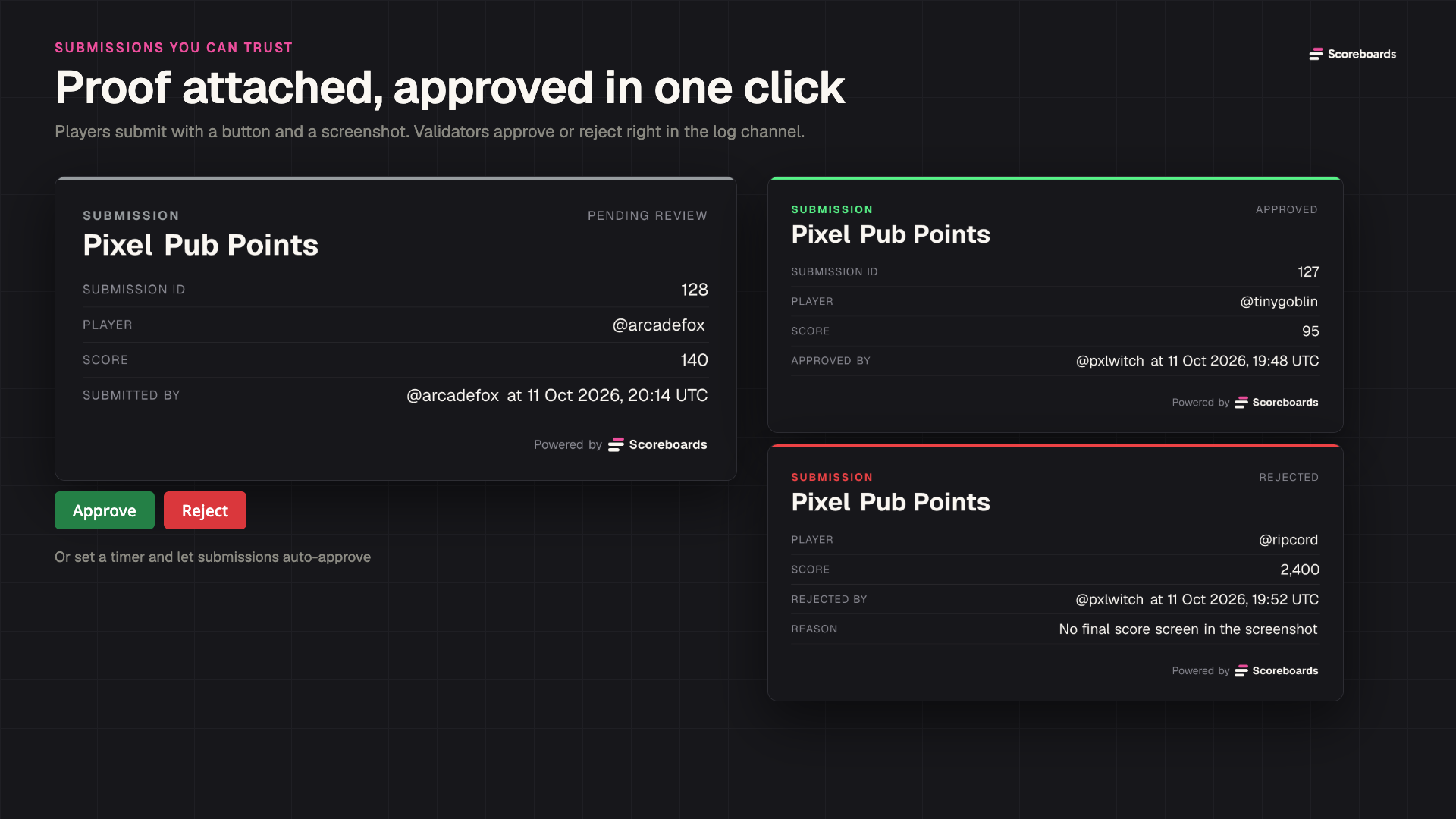
To be clear about the difference: Scoreboards does not read what games your members play. Scores are entered by members, who submit them with a button under the leaderboard, or by admins. Moderators can approve each submission before it counts, or let them through automatically. The only board that fills itself is Levels, which counts XP from chat and voice.
The board updates itself in Discord, and every public board also gets its own web page. The Free plan includes every board type, 2 leaderboards per server and unlimited players. More on the bot is on the Scoreboards home page, and the step-by-step guide to making a Discord leaderboard walks through the setup.
The two can live side by side. Discord's Gaming Leaderboard can keep showing who played the most this week while your own board ranks the results that matter to your server.
FAQ
How do I turn off the Discord leaderboard?
For yourself, turn off Share my activity under Activity Privacy in User Settings. To hide Server Hub in a server, hover over Server Hub and select the X, or turn off Show Server Hub tab in channel list under Server Settings.
Why am I not on my server's Gaming Leaderboard?
Only members who share their activity appear, so check Share my activity under Activity Privacy. Members set to Invisible are left out. And if fewer than 3 members in the server share their activity, the widget shows nothing at all.
Can I change what the Gaming Leaderboard ranks?
Discord's help article describes three weekly challenges: Most Game Time, Most Game Days and Most Unique Games. All three measure game activity. To rank anything else, such as scores or match results, use a leaderboard bot.
Can I have a leaderboard for scores instead of game time?
Yes, with a leaderboard bot. On Scoreboards, a Classic board adds points up, a Highscore board keeps each player's best, a Time board ranks the fastest times and ELO or League boards rank match results. Members submit their own results and moderators can approve them.
Can a leaderboard bot track game time like Discord does?
Scoreboards does not. It does not read what games people play. Its boards rank scores entered by members or admins, and Levels boards rank XP from chat and voice.
Make a leaderboard for your server
If your server competes on something Discord's Gaming Leaderboard does not count, add Scoreboards to your server and run /leaderboard create.