
We make Scoreboards, so read this with that in mind. What we say about EMBOARD comes from its own top.gg listing; we have not run the bot ourselves, and the listing can change, so check it before you plan around it.
What is happening to EMBOARD
EMBOARD is a points leaderboard bot for Discord. Staff add or take points from members, /leaderboard shows the top 10 in the channel, and the full board is on the bot's website.
Its top.gg listing now opens with a note in capital letters: the bot is at end of life, and it is still up to let people extract their leaderboard data before it goes offline.
That is all the listing says about it. It gives no shutdown date, so we cannot tell you how long you have. The listing also says the bot moved to slash commands, and that the old commands with the em! prefix no longer work.
If your server still uses EMBOARD, treat the standings as something that can disappear without another warning. Save them first and choose a new bot afterwards.
How to get your data out of EMBOARD
We could not find an export command or a download button described in EMBOARD's listing. If the bot or its website offers one in your server, use it. Otherwise the web leaderboard is the way out, and it takes a few minutes by hand:
- Open your server's web leaderboard. The listing gives the address as
emboard.evolvedmesh.com/leaderboard/followed by your server ID. To get the ID, turn on Developer Mode in Discord under Settings, then Advanced, right-click your server icon and choose Copy Server ID. - Copy the standings. Select the rows on the page and paste them into a spreadsheet such as Google Sheets or Excel.
/leaderboardin Discord only shows the top 10, so the web page is the one to copy from. - Tidy it into two columns. Keep a name column and a points column and delete everything else, such as rank numbers or avatars.
- Take a screenshot too. If anyone questions a total later, you have a record of how the board stood on the day you moved.
Do this even if you have not picked a replacement yet. A spreadsheet works with any bot, and a page that has gone offline works with none.
How to move to Scoreboards
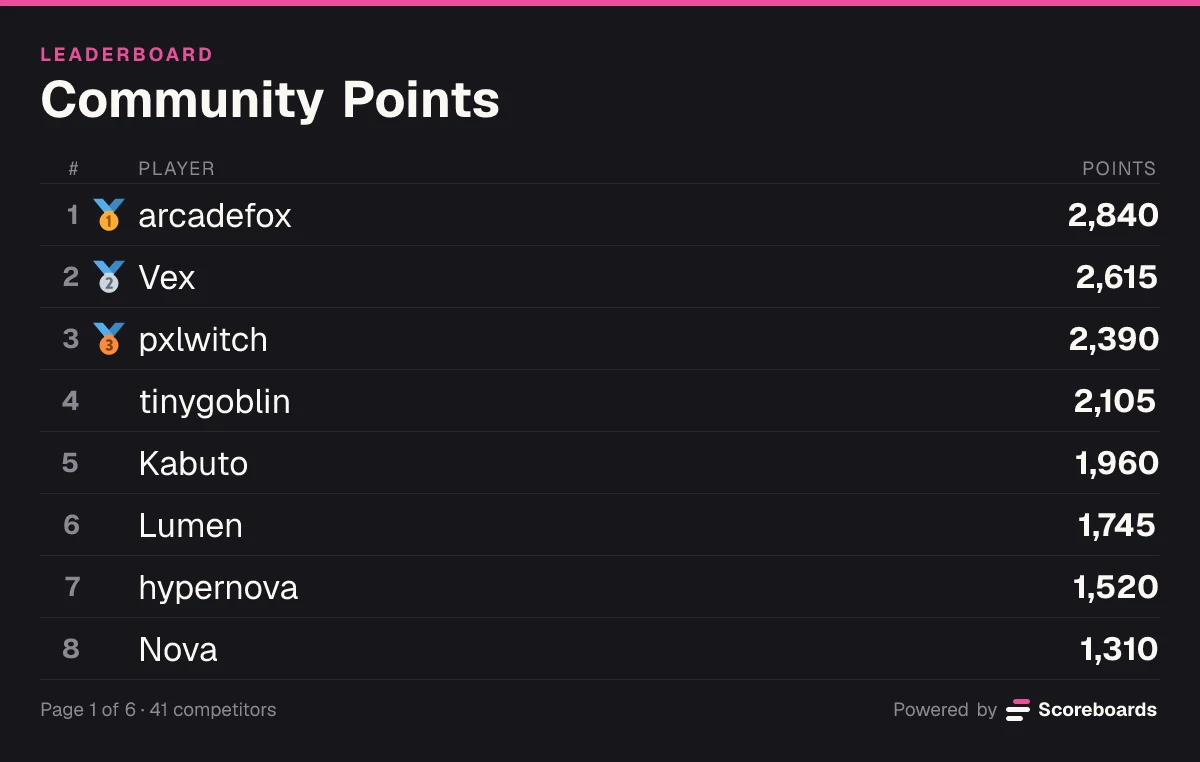
Scoreboards is a Discord leaderboard bot with a web dashboard. The Free plan has no time limit and includes every leaderboard type, 2 leaderboards per server and unlimited players.
Best for
servers that used EMBOARD for a points board run by staff and want to keep it in Discord and on the web.
Limits
nothing is imported from EMBOARD automatically, and reward roles are part of a paid plan. More on both below.
The move takes four steps.
1. Invite the bot. Invite Scoreboards and pick your server. You need the Manage Server permission to add a bot.
2. Run /leaderboard create. Do it in the channel where the leaderboard should live. A short form asks for a name, a leaderboard type and an optional log channel. The board is posted in the channel right away.
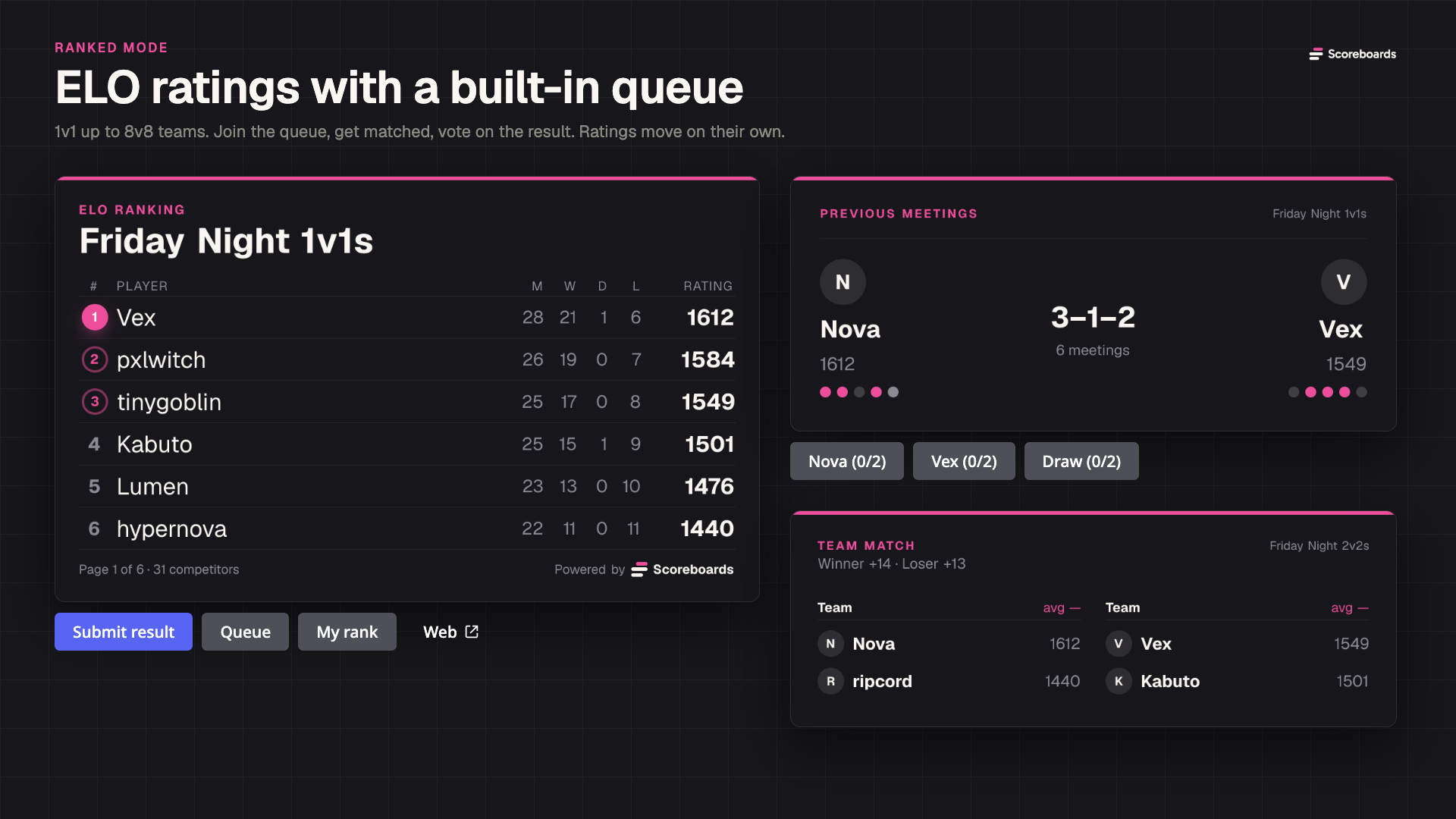
3. Pick the matching type. EMBOARD keeps one running points total per member. In Scoreboards that is Classic: every score is added to or subtracted from the total. The type cannot be changed once the board has scores, so pick Classic here. The other types (Highscore, Time, ELO, League, Image Rating and Levels) are for other kinds of competition, and you can add one of them as your second board later.
4. Import your standings. Run /dashboard, select the new leaderboard and find the Import from CSV card. Press Choose CSV file and upload the file you saved from your spreadsheet. The import is on the dashboard only (there is no import command in Discord), and you need to be an administrator of the server to use it.
The file format is simple:
- One
name,scoreper line, for exampleAlex,120. A header row is detected and skipped. - Commas, semicolons and tabs all work as separators. A name that contains a comma has to be in quotes, like
"Cooney, EM". - If the name is a Discord user ID, the row is linked to that member and shows their display name. Any other name becomes a custom entry that is not tied to an account.
- Each row sets that player's score. The same name twice keeps the last value, so you can import a corrected file again.
- Rows that cannot be read are skipped and listed by line number. The rest still import.
- A file holds up to 500 rows and 100 KB. Split a longer list and import it in parts.
The user ID point matters for a points board. If you import plain names, a member who later earns points under their Discord account gets a second row next to the imported one. For the members who are still active, replace the name with their user ID (Developer Mode on, right-click the member, Copy User ID). For a handful of people you can skip the file and set their totals with /score instead, which lets you pick members from a list.
What you had in EMBOARD and the Scoreboards equivalent
| EMBOARD | Scoreboards |
|---|---|
| Staff add or take points from members | /score with Adjust adds or subtracts, Set replaces the total. It works on single members or on everyone with a role |
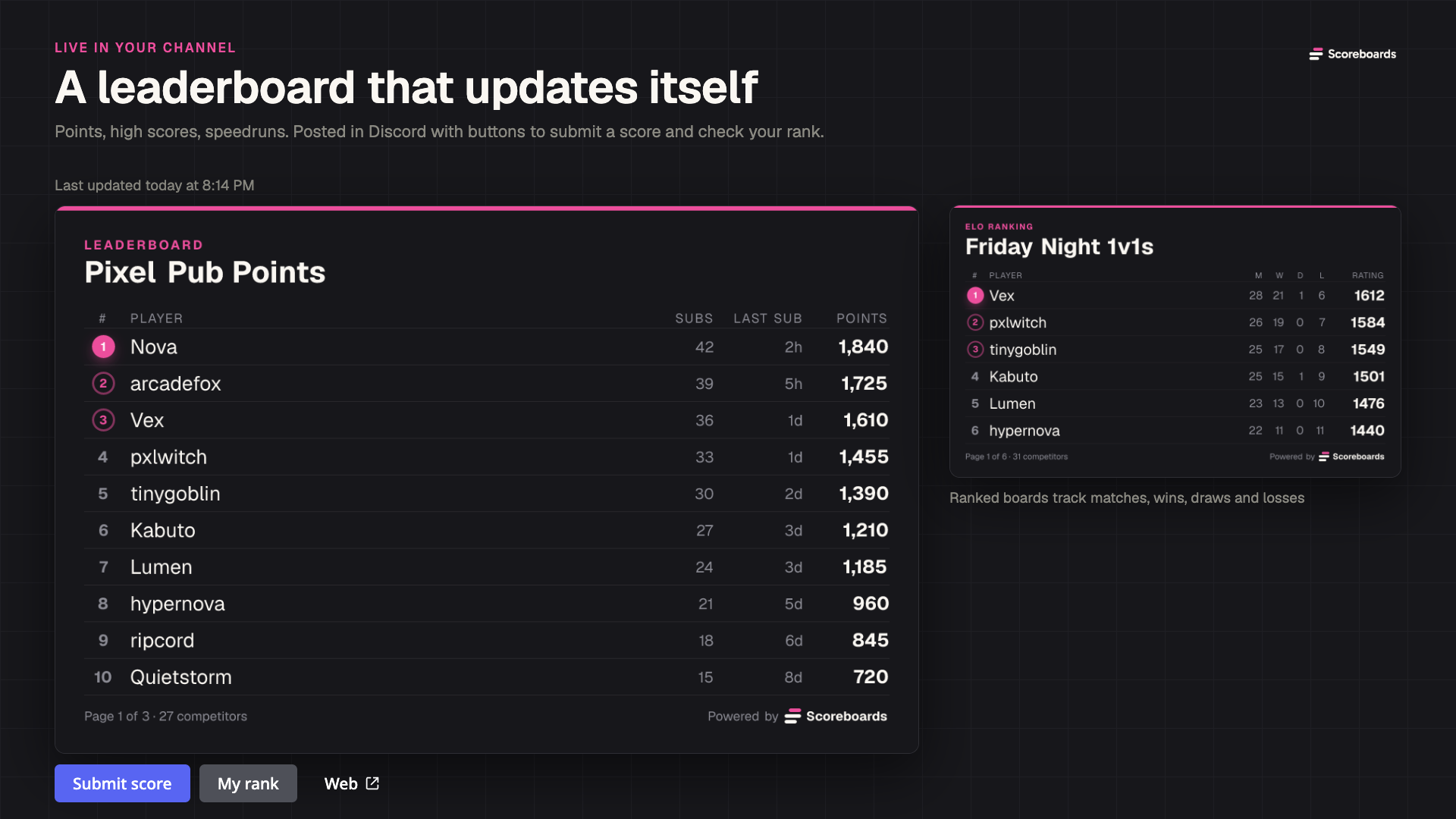
/leaderboard shows the top 10 in Discord | The leaderboard is one message in a channel that redraws itself after every change. /leaderboard show posts it in another channel |
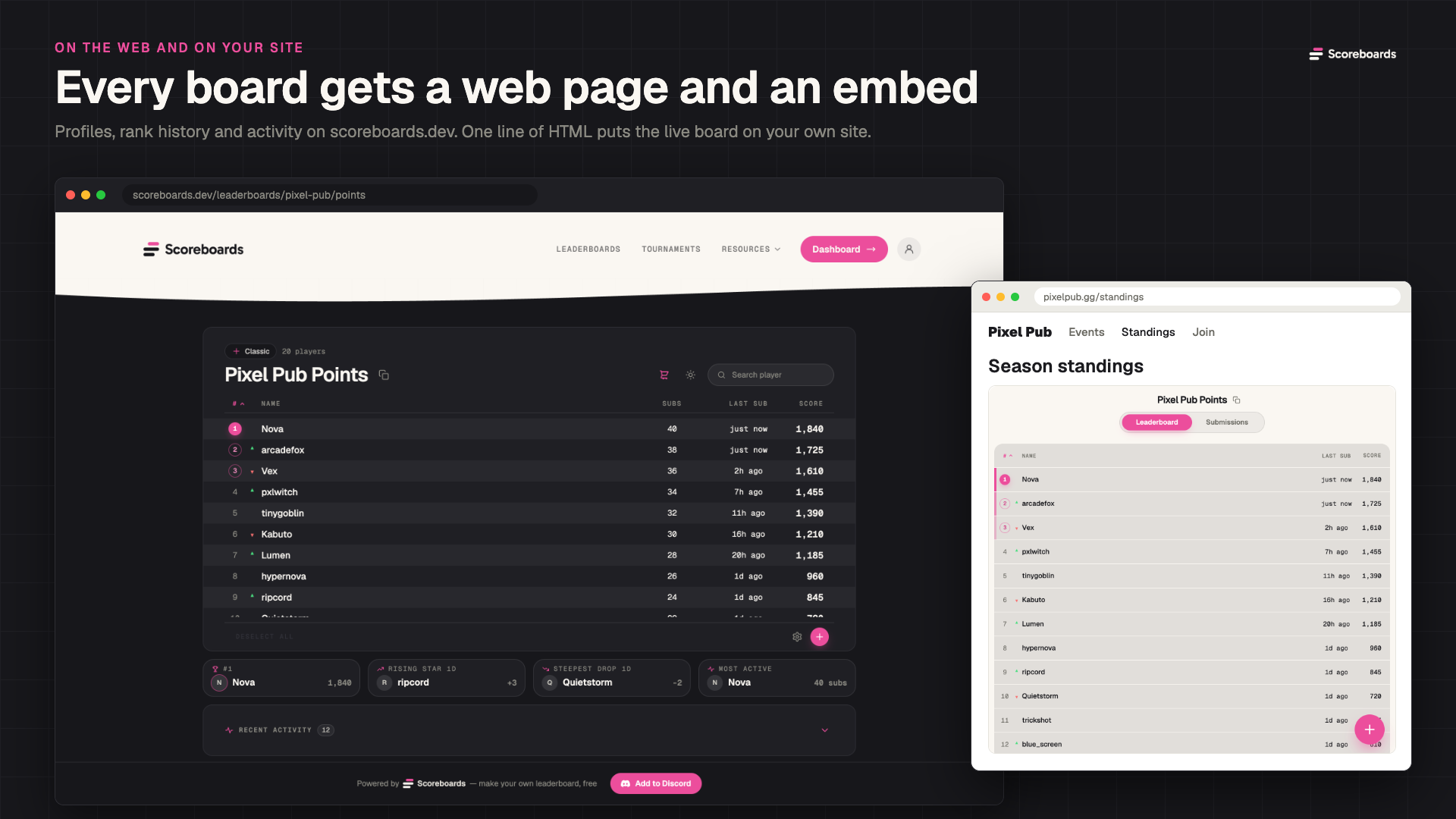
| The full leaderboard on a website | Every public board has its own page on scoreboards.dev, opened with the Web button under the board |
| Reward roles at set point levels | Tier roles in score mode, for example everyone with 2000+ points. Tier roles are part of the Plus plan from November 30, 2026 |
| Removing members who left the server from the board | By hand: open the board on the web, right-click a player and choose Remove |
What is different or missing
Members can submit their own points. The board has a Submit score button. Without a log channel, a submitted score counts at once, which is not how EMBOARD worked. If only staff should hand out points, set a log channel so every submission waits for Approve or Reject, or turn the button off on the dashboard under Leaderboard display, then Submit Button.
There is no automatic import from EMBOARD. Scoreboards does not read another bot's data. You bring the standings over yourself with the CSV file.
Reward roles cost money after the trial. Tier roles are a Plus feature ($3.99 per server per month from November 30, 2026). A server that adds Scoreboards gets Plus free for 14 days, once. Details are on the pricing page.
Nothing cleans up members who left in one click. You remove them one at a time on the web.
Free means 2 leaderboards. That covers a points board and one more. Over the limit, the oldest boards keep working and nothing is deleted.
There is more to learn. EMBOARD does one thing. Scoreboards has seven leaderboard types, seasons, a matchmaking queue and a dashboard. You can ignore almost all of it for a points board, but the settings are there.
Other replacements worth a look
Scoreboards is not the only option, and for a plain tally it may be more than you need.
- Scoreboarder is a lightweight scoreboard bot. Its site and top.gg listing describe creating a scoreboard with
/create, adding points with slash commands and showing the board with/show. We found no mention of a public web page, so it fits servers that only need the board in chat. - Team Up is built around matchmaking queues and Elo ladders. It is the better choice if your points were really match results.
- MEE6 and LeaderBoard rank XP from activity. They cannot hold points that staff hand out.
Our Discord leaderboard bot comparison covers all of them in more detail.
FAQ
Is EMBOARD shutting down?
Its top.gg listing says the bot is at end of life and is still up so people can extract their leaderboard data before it goes offline. The listing gives no date.
How do I export my EMBOARD leaderboard?
We found no export function described in its listing. Open your server's leaderboard on the EMBOARD website, copy the rows into a spreadsheet and keep a name column and a points column.
Can Scoreboards import my EMBOARD data automatically?
No. You upload a CSV file with one name,score per line on the dashboard, under Import from CSV. A file holds up to 500 rows and 100 KB.
Which Scoreboards leaderboard type matches EMBOARD?
Classic. It keeps a running points total per player, and admins add or subtract points with /score.
Is Scoreboards free?
The Free plan has no time limit and includes every leaderboard type, 2 leaderboards per server and unlimited players. Tier roles and the server economy are part of the paid plans.
Move your leaderboard today
Save your EMBOARD standings first, whatever you choose next. When you are ready, Invite Scoreboards, run /leaderboard create, pick Classic and import your file. For the full setup, read our Discord leaderboard bot guide.